New KnotCMS collection
Best for: you write in Notion and want a new synced Framer CMS collection.
Setup path
Section titled “Setup path”In the wizard (Step 2 · Source), connect Notion, then choose option 3:
Create a new Framer CMS collection and sync with existing Notion database
- Framer (step 1) — project URL + API key → Load collections → Continue (no collection selection required).
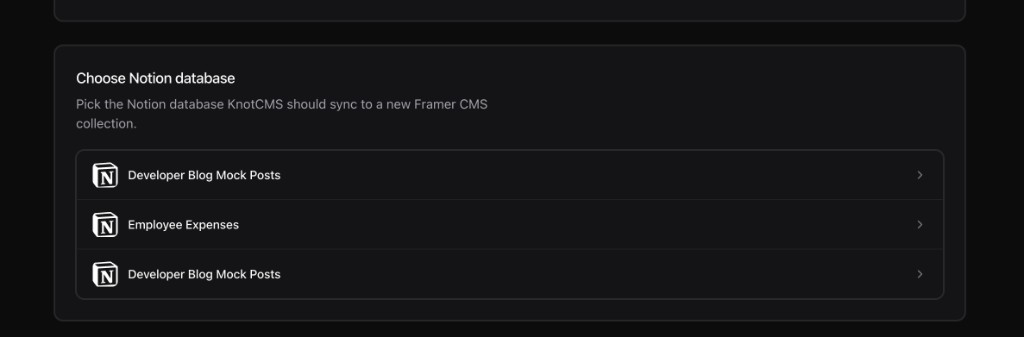
- Source (step 2) — Connect Notion → choose the path above → under Choose Notion database, pick your database.
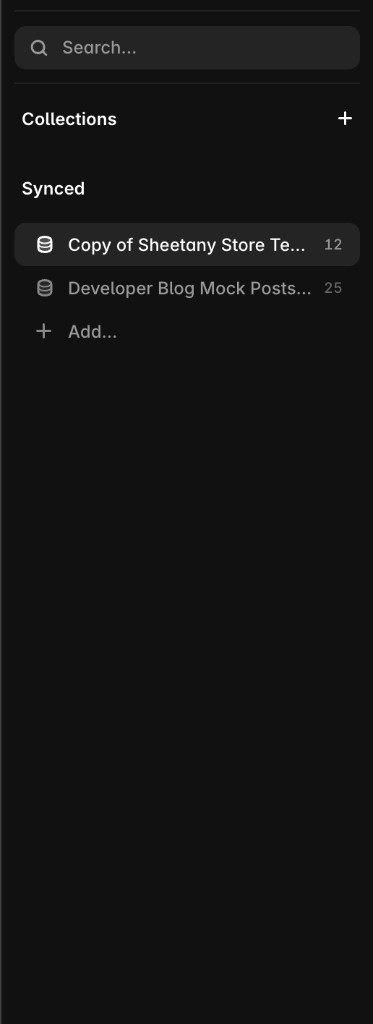
- Mapping (step 3) — map fields → Create & sync. KnotCMS creates a new managed Framer collection and syncs items.