Manual sync
Manual sync reconciles Notion rows with your Framer collection immediately, instead of waiting for the once-a-minute auto-sync check. It is also how you force through the one thing auto-sync can miss: a row deleted in Notion with nothing else edited.
Run sync
Section titled “Run sync”- Open your project in the dashboard.
- Click Sync now (top right on the project page).
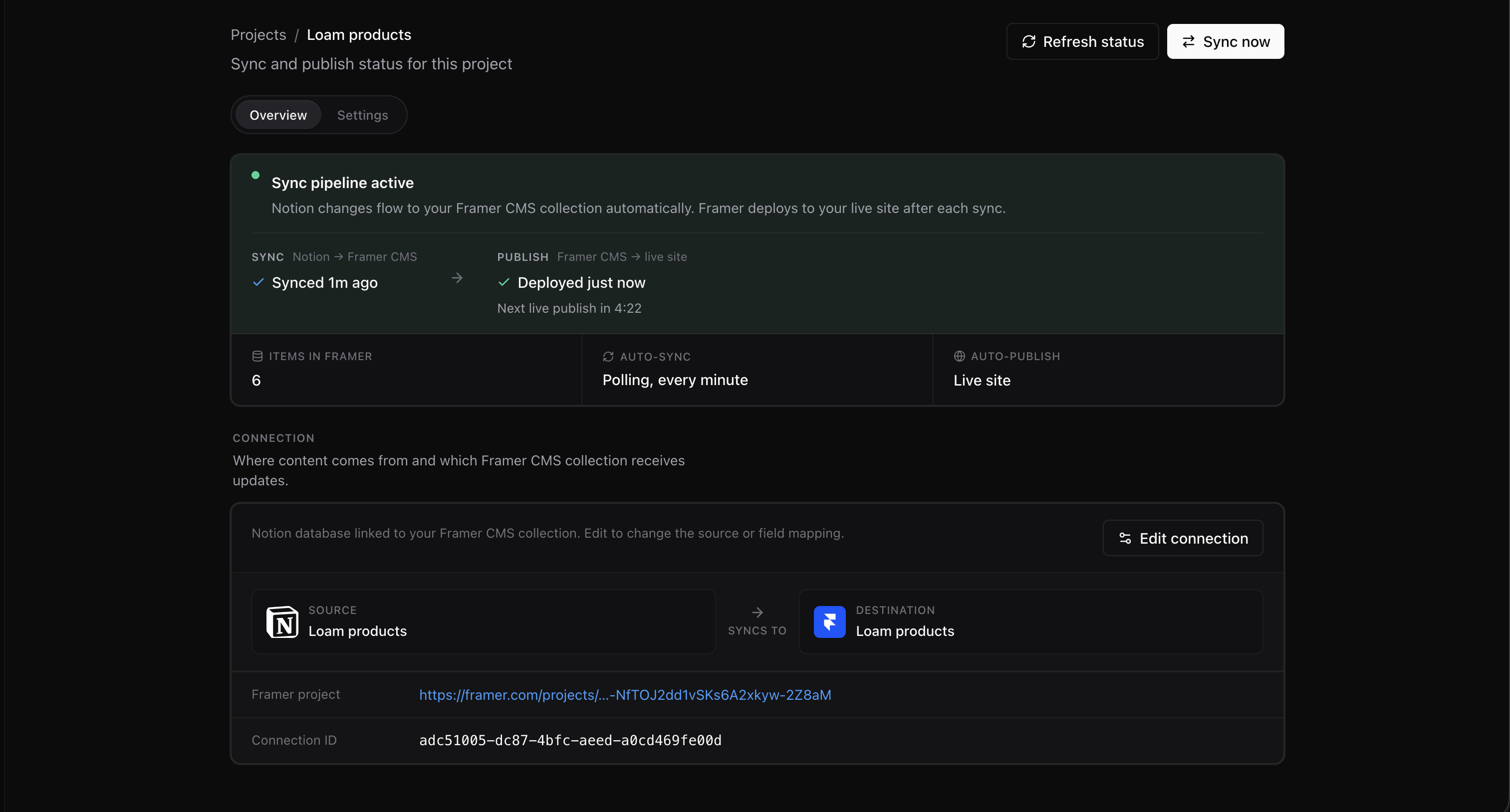
While the worker runs, the button shows Syncing… and is disabled until the run finishes.
When it finishes, check Synced and Items in Framer on the Overview tab. If auto-publish is enabled, the separate Publish stage may still be deploying or waiting for its cooldown.
Basic plan limits
Section titled “Basic plan limits”- 10 syncs (lifetime) on Basic, automatic or manual — they draw on the same allowance
- Up to 50 rows per sync
The first sync when you create a project does not count against the 10. When the allowance runs out, the project page shows Free syncs used up — see Plans & limits.