Bootstrap Notion from Framer
Best for: your content lives in Framer CMS first and you want to edit in Notion going forward.
Setup path
Section titled “Setup path”In the wizard (Step 2 · Source), connect Notion, then choose option 1:
Create new Notion database using an existing Framer CMS collection
- Framer (step 1) — project URL + API key → Load collections → select the Framer CMS collection → Continue.
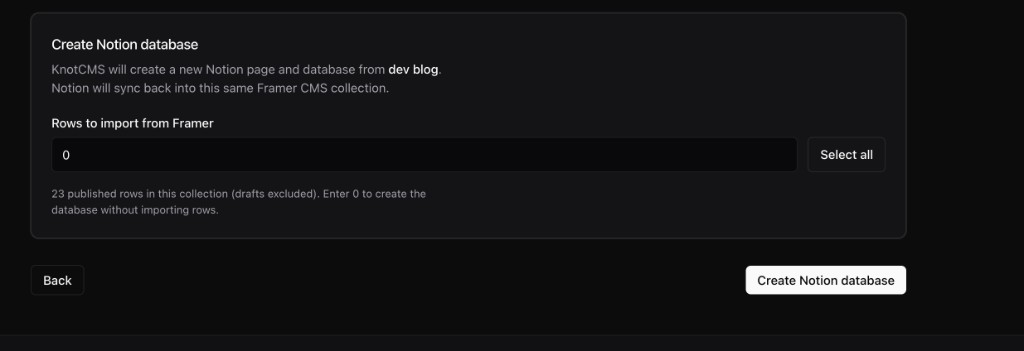
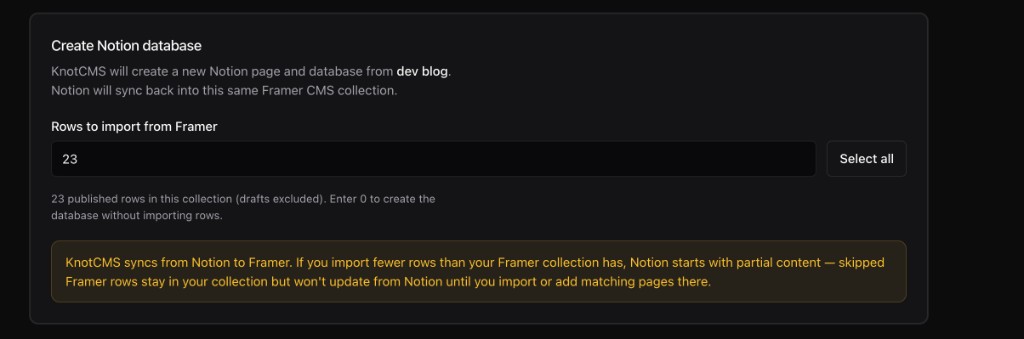
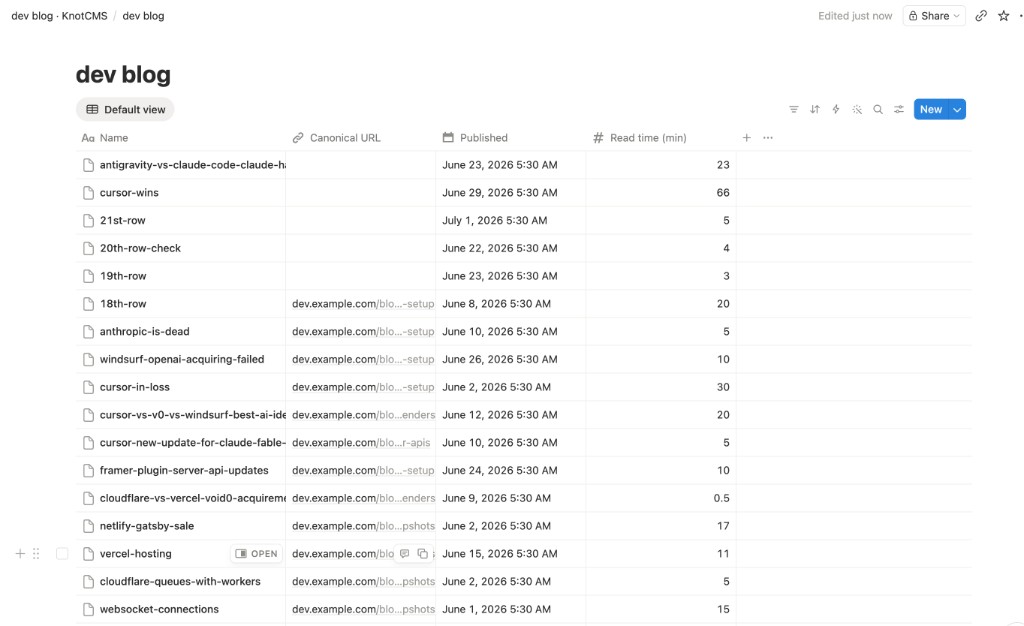
- Source (step 2) — Connect Notion → choose option 1 → set Rows to import from Framer → Create Notion database. KnotCMS creates a new database in your Notion workspace.
- Mapping (step 3) — review auto-generated field mapping → Create & sync. Ongoing sync runs Notion → Framer.