Manage subscription
Paid subscriptions are processed by our Merchant of Record (Polar or Dodo Payments, depending on your checkout).
Open billing portal
Section titled “Open billing portal”- Sign in to app.knotcms.com.
- Go to Profile.
- Click Open billing portal (paid subscribers).
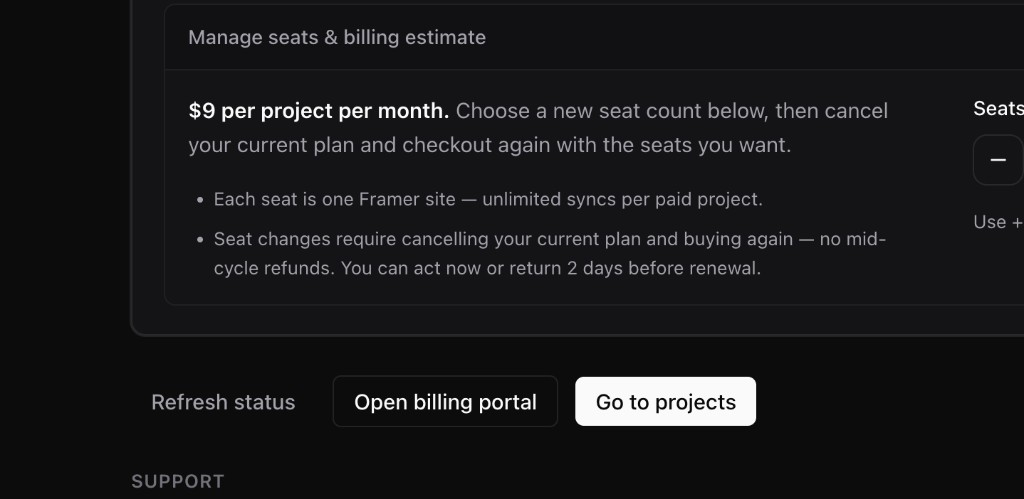
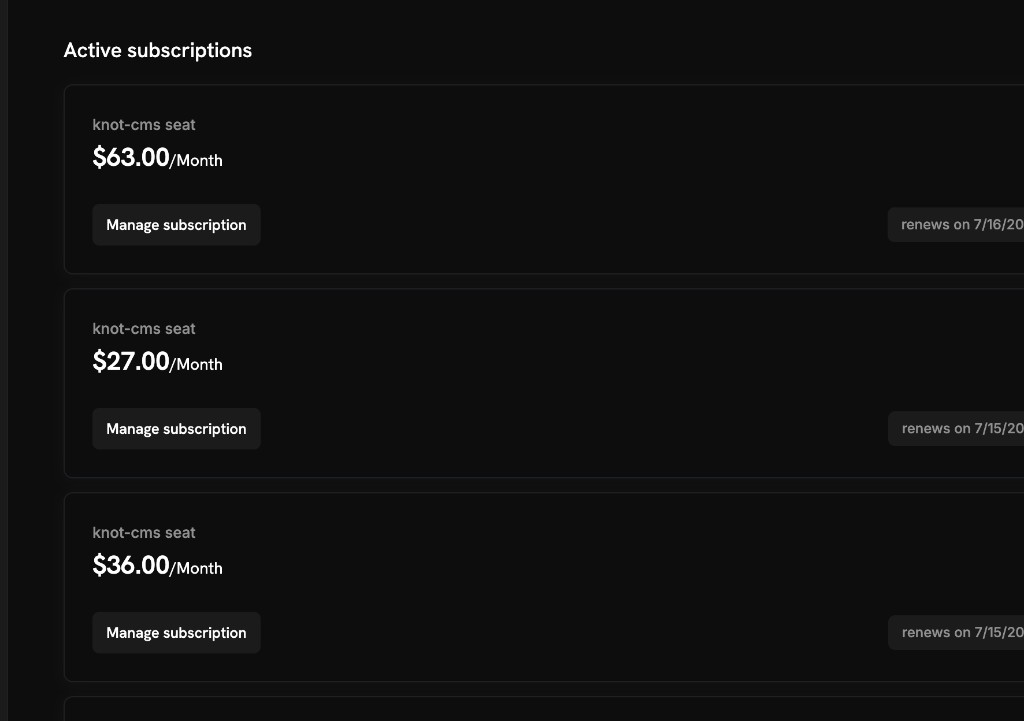
In the portal you can:
- Update payment method
- Change project quantity (seats) — upgrades and downgrades
- Cancel at end of billing period
- Download invoices
Change project quantity
Section titled “Change project quantity”- Open the billing portal from Profile.
- Select your KnotCMS subscription → Manage subscription.
- Update quantity to the number of Framer projects you need.
- Return to KnotCMS and click Refresh status on Profile.
Downgrading below your current project count does not delete projects — remove extra projects first, or syncing pauses until you are within your seat limit.
Refresh entitlements
Section titled “Refresh entitlements”After portal changes, click Refresh status on Profile if project limits do not update within a minute (webhooks usually apply instantly).