
Reconfigure a project
Use Reconfigure when you need a different Notion database, new API key, or updated mapping — without creating a new project slot.
Start reconfigure
Section titled “Start reconfigure”From the project page, open Connection and click Edit connection (or start reconfigure from the project actions).
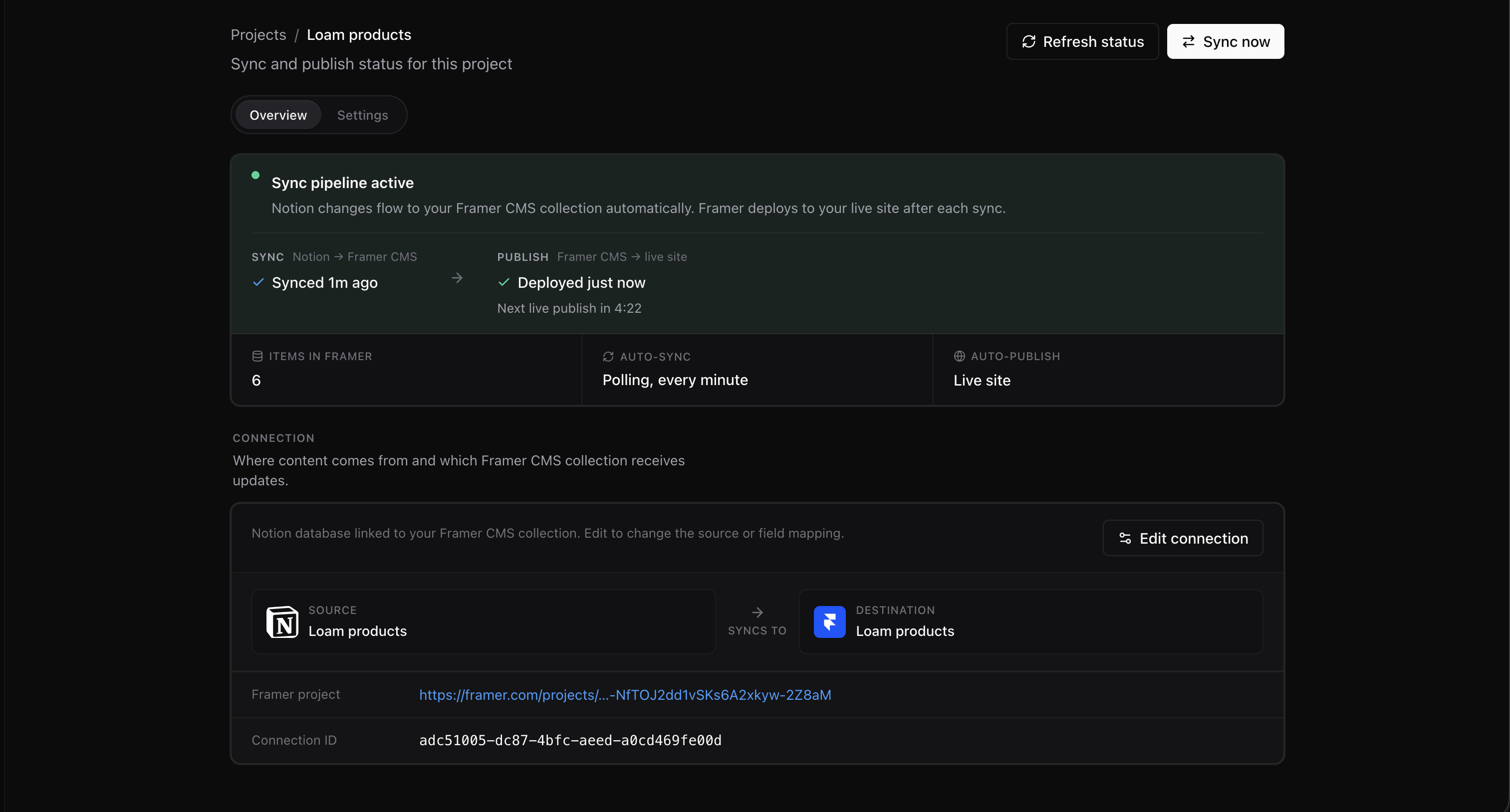
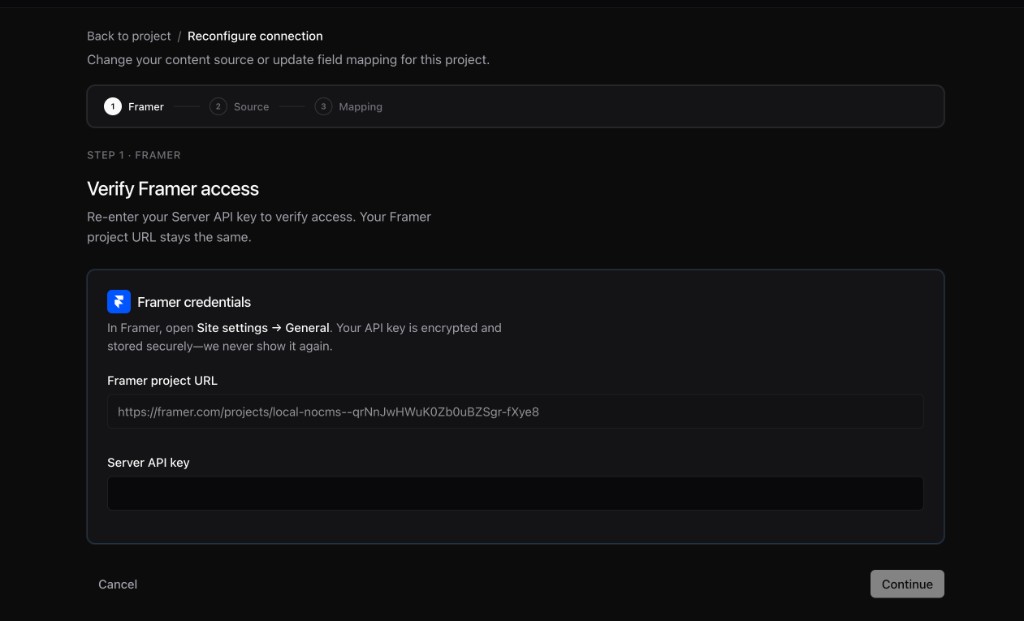
The reconfigure wizard verifies the Framer connection, lets you choose the Notion database, and opens the mapping. You can change the database or mapping without re-running OAuth, unless you need a different workspace.
When to reconfigure
Section titled “When to reconfigure”| Situation | Action |
|---|---|
| Wrong Notion database | Reconfigure → pick correct database |
| New Framer API key | Reconfigure → Framer step |
FRAMER_FIELD_MISMATCH | Reconfigure or reset Framer collection |
FRAMER_UNAUTHORIZED | Verify URL + key in Framer step |
See Error codes.