Plugin vs dashboard
| Surface | Role |
|---|---|
Web dashboard (app.knotcms.com) | Setup wizard, mapping, sync, automation, billing — the full product |
| Framer plugin | Canvas launcher that opens the dashboard in a new tab |
Dashboard
Section titled “Dashboard”All workflow happens in the browser at app.knotcms.com:
- Google sign-in
- Setup wizard (Connect → Direction → Fields → Automation)
- Connect Notion (Google Sheets listed as Coming soon)
- Map fields, sync, automation, and billing
Plugin
Section titled “Plugin”The plugin is intentionally thin. It does not run setup, OAuth, or sync inside Framer’s canvas UI.
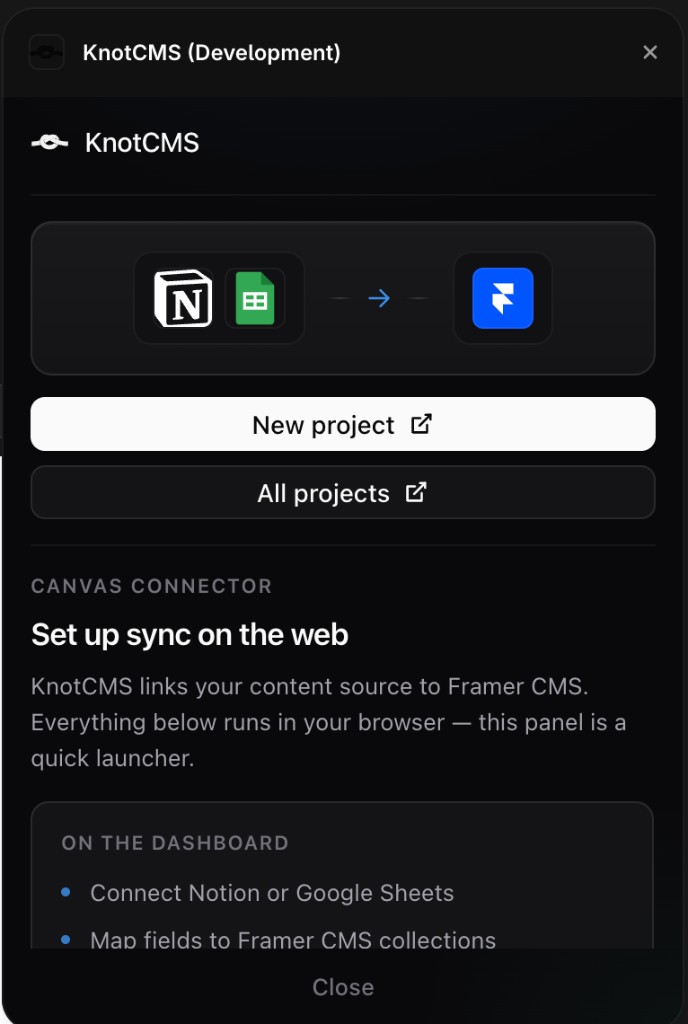
From the plugin panel you get:
- New project — opens
/setupon the dashboard - All projects — opens the project list
The panel also summarizes what runs on the web: connect Notion (and Google Sheets when it ships), map fields, and sync manually or with auto-sync.
Install from Framer’s plugin directory or your development URL during testing.