Create your account
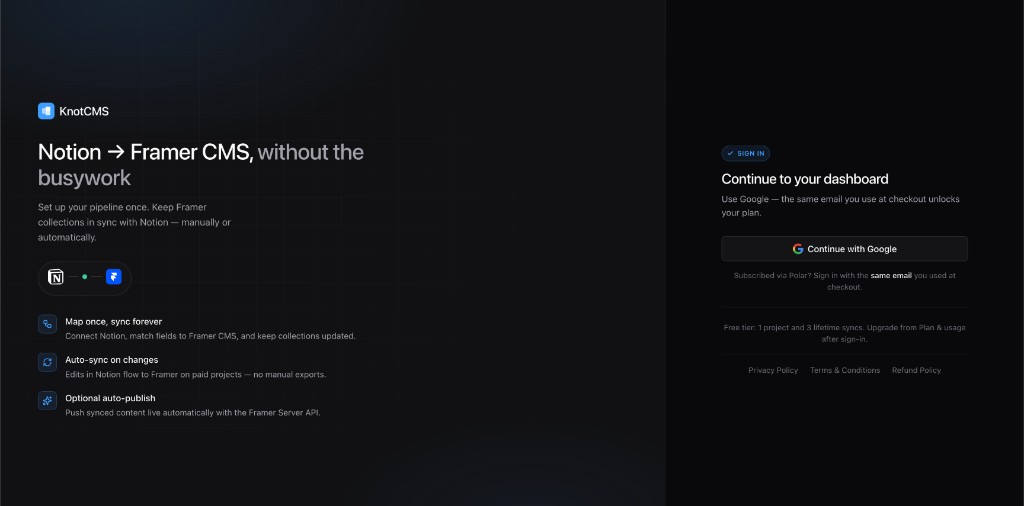
KnotCMS uses Google Sign-In only — no separate password.
Sign in
Section titled “Sign in”- Go to app.knotcms.com.
- Click Continue with Google.
- Approve the OAuth prompt.
Same email at checkout
Section titled “Same email at checkout”If you subscribe via Polar checkout, sign in with the same Google email you used at checkout. KnotCMS matches your subscription to your account by email.
What’s stored
Section titled “What’s stored”KnotCMS stores your email, name, plan, project configuration, and encrypted integration tokens. See the privacy policy on the marketing site.
Once you are signed in, follow Create your first project. It covers the Framer API key, Notion connection, all three setup paths, and your first sync.